
Ordering and receiving stock with Lightspeed Retail
Know what you have, what it cost, and what’s on the way.
Lightspeed Retail has built-in tools for ordering stock from your suppliers and logging it when it arrives. Keep your stock counts, cost prices and margins accurate automatically — no spreadsheets, no manual catalog edits, no waiting for the next stocktake.

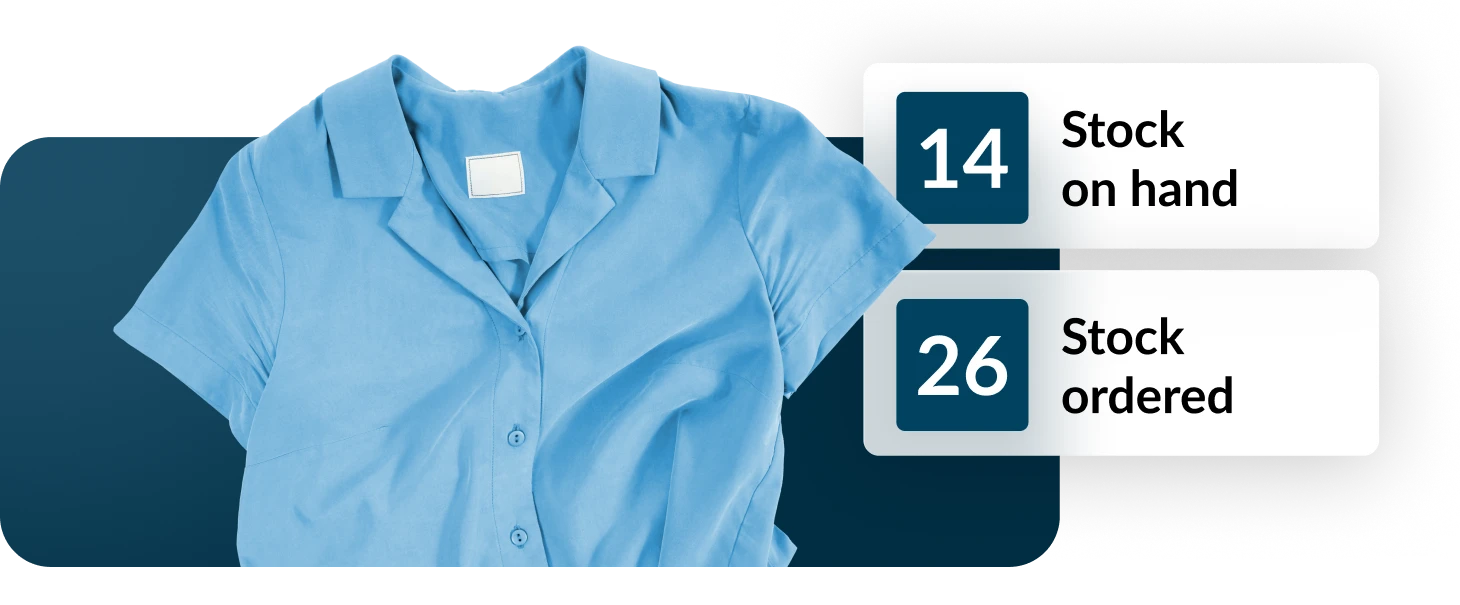
Managing orders in Lightspeed
A purchase order in Lightspeed isn’t formal procurement paperwork. It covers two separate things, and you can use either one on its own.
- Receive stock: Log deliveries in Lightspeed as they arrive. Inventory counts and costs update the moment you finalise it. No order needs to exist first, so you can receive against a supplier at any time.
- Order stock: Create orders ahead of time and track them through to delivery. You can see what’s on the way, email the order to your supplier straight from Lightspeed, and receive against it when it arrives.

Why use Lightspeed for orders?
Most inventory headaches come from data sitting in one place and sales data in another. When ordering and receiving happen in Lightspeed, both are built from the same records — so what you have, what it cost and what’s on the way stay in sync with what you’re actually selling.
- Costs are updated based on the most recent deliveries, not a price entered once and never revisited so margins, COGS and stock value reflect what you genuinely paid
- Stock levels update automatically as stock moves, on receipt and on sale, with no separate reconciliation step
- See incoming stock and what’s on hand, so reordering is based on your full position rather than a snapshot
- Capture landed and foreign currency costs. Freight, duties and handling captured on the order.
- Cut the double handling. No exporting reports, no transcribing counts into a spreadsheet, no reconciling later. It’s all updated in one workflow
If you do this:
Use:
Phone or email your supplier to place orders
Order, then receive. Build the order in Lightspeed, email it to your supplier, track it and receive against it on arrival.
Order through your supplier’s own portal
Receive stock. Keep ordering where you do now, and log the delivery in Lightspeed to automatically update costs and inventory levels.
Have a supplier rep who places orders for you
Receive stock. Receive what gets delivered rather than manually adjusting inventory levels afterwards.
Order for more than one outlet
Order, then receive. Create one order across locations and let Lightspeed handle the distribution and transfers once it arrives.
Wholesale Ordering
Simplify wholesale buying with Lightspeed Wholesale. Source products from thousands of brands, bring orders into your POS and get products ready to sell with less manual work.
- Shop thousands of wholesale brands with NuORDER by Lightspeed. Order from brands you already work with, discover new ones, and browse and compare products across brands in one place. Then sync your orders directly to Lightspeed POS, making it easier to manage wholesale buying from order to sale.
- Discover even more products with the new Faire integration. Order from over 100,000 independent suppliers across categories including home, apparel, jewelry, wellness, food, pets, kids and books.
- Get products into your POS faster. Import product details like images, descriptions, barcodes and pricing in a click — saving hours of manual entry and eliminating duplicate work.

Try it on your next delivery
Everything here is included in your plan. There’s no setup, and you don’t need an existing order to receive against , the next delivery that turns up is enough to see how it works.
- Check out this Merchant Academy course for more information on managing inventory in Lightspeed
- Reach out to our friendly support team if you get stuck