
Pay at Table 2.0
A tableside payment app for K-Series restaurants using Lightspeed Payments.
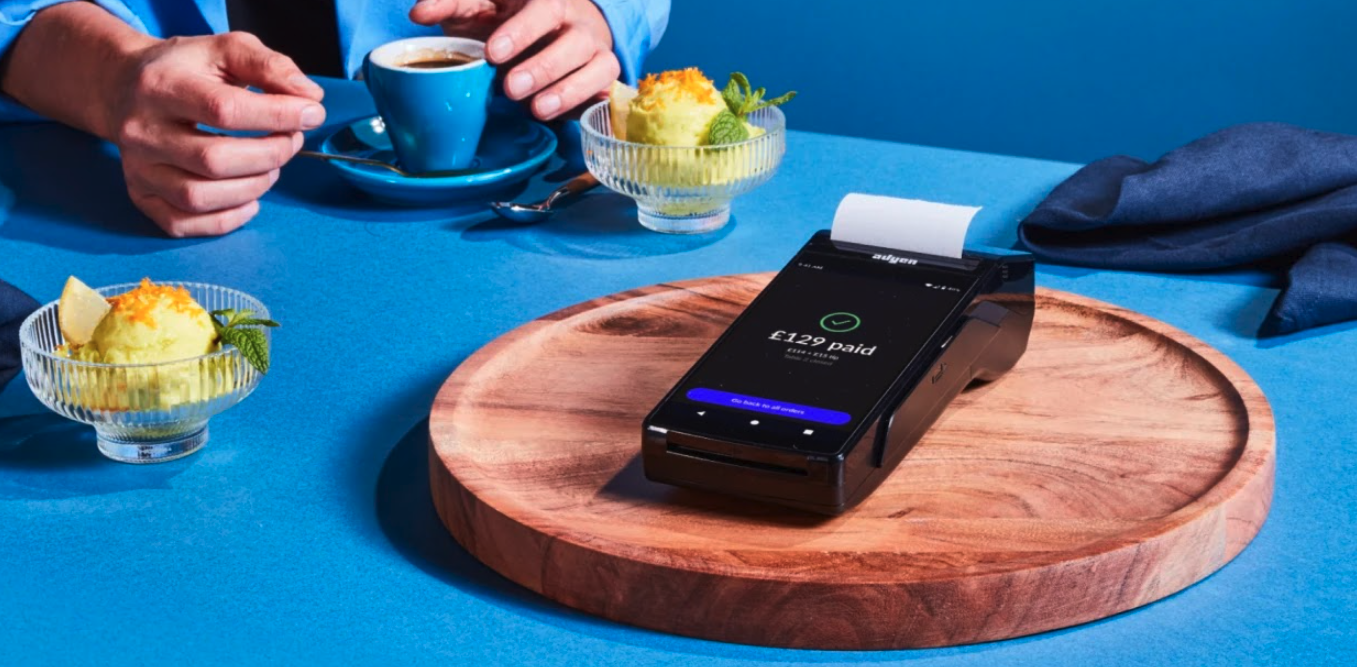
Servers retrieve open checks, split bills, add tips and take integrated payment on a compatible terminal—without taking the payment workflow back to the POS.
Does Pay at Table 2.0 differ from Pay at Table 1.0 in core functionality?
- Not in the core job it performs. Both versions support the same fundamental payment use case: retrieve a check, split the bill, process payments and close the order. The main differences are in execution and usability.
- Pay at Table 2.0 is faster, more reliable and easier to use. With more flexible workflows, automatic table listing, the ability to move between payments without being logged out and an optional Fast Flow for busy service.
Before you configure:
- Confirm the merchant is on K-Series and Lightspeed Payments, and verify Pay at Table 2.0 is available in the merchant’s market.
- Confirm the terminal is a supported Android Lightspeed Payments model: S1F2 or AMS1. Verifone V400m, P400 and e285 are not supported. S1F4/S1E4 support is planned, not current.
- Set expectations: Pay at Table handles payment workflows only; it does not provide full POS access or order entry. It supports even and custom-amount splits, not item-level splitting. Final bill/receipt printing from the terminal is not currently available.
1️⃣
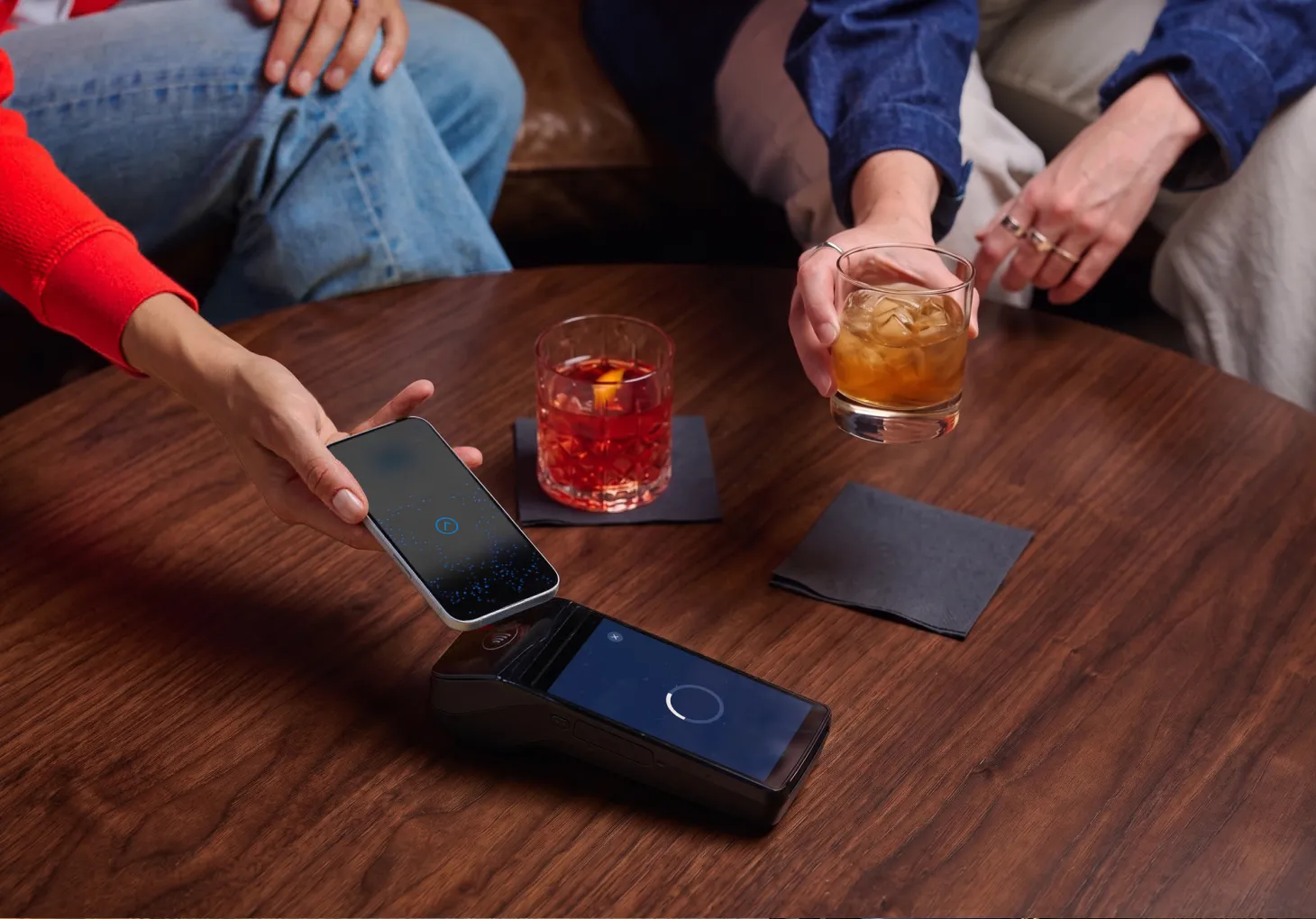
In terminal settings in Financial Services, configure staff access and table visibility (shared or restricted), bill splitting, tipping, payment steps, receipt options and auto-lock.
Enable Fast Flow for experienced staff/busy service; consider disabling it during training.
2️⃣
Sign in with the same credentials used for the POS. If POS users use a PIN, use that PIN; POS user permissions carry over. Pair the terminal.
3️⃣
Test with the merchant before go-live: retrieve/search an open check, move between checks, make an even and custom split, apply tip settings, take payment, and confirm the order closes in K-Series.
Confirm staff can see only the intended tables; managers can see all tables. The table owner receives the tip.
4️⃣
Verify connectivity: terminal cellular can support payment where Wi-Fi is weak, but the active POS must remain connected to the internet for orders to sync back.
5️⃣
Train staff on the payment flow and the sync-failure recovery below. Start with a small live-service test and confirm successful payments appear closed in K-Series.
Does it need new hardware?
Usually not if the merchant already has an eligible S1F2 or AMS1 terminal and Lightspeed Payments.
Can guests split a bill?
Yes—equally or by custom amount. The check is validated so it is fully paid before it closes. Item-level splitting is not available.
Will it work on a patio without Wi-Fi?
The terminal includes cellular connectivity at no extra cost; the active POS still needs internet access for sync.
What if payment is approved but the POS order stays open?
Check the terminal’s order status and retry sync. If it still cannot close automatically, use the displayed amount/tip/receipt details to close the order manually on the POS. Do not take the payment again.
Can servers print the final bill from the terminal or enter orders there?
No. Final bill printing is on the roadmap; ordering/full POS access is outside Pay at Table’s payment-only scope. Use the POS or consider Tableside for full tableside ordering.
⚠️ Known limitations
● Requires Lightspeed Payments.
● Pay at T able 2.0 supports the payment workflow only. It does not provide full POS access.
● Supports Lightspeed payment terminals S1F2 and AMS1. Verifone terminals are not supported.
● S1F4 and S1E4 support is planned for a future release.
● Pay at T able 2.0 does not support item-level bill splitting or printing final bills in the current release.
These are examples of future functionality being considered.
● The POS must remain connected to the internet for the payment to sync back to K-Series.


