
Customer Display
Thank you for joining our beta. You’re among the first to try Lightspeed’s Customer Display, a new payment terminal built for faster, more accurate service.
Participation in this beta is subject to the beta terms in your Lightspeed Service Agreement.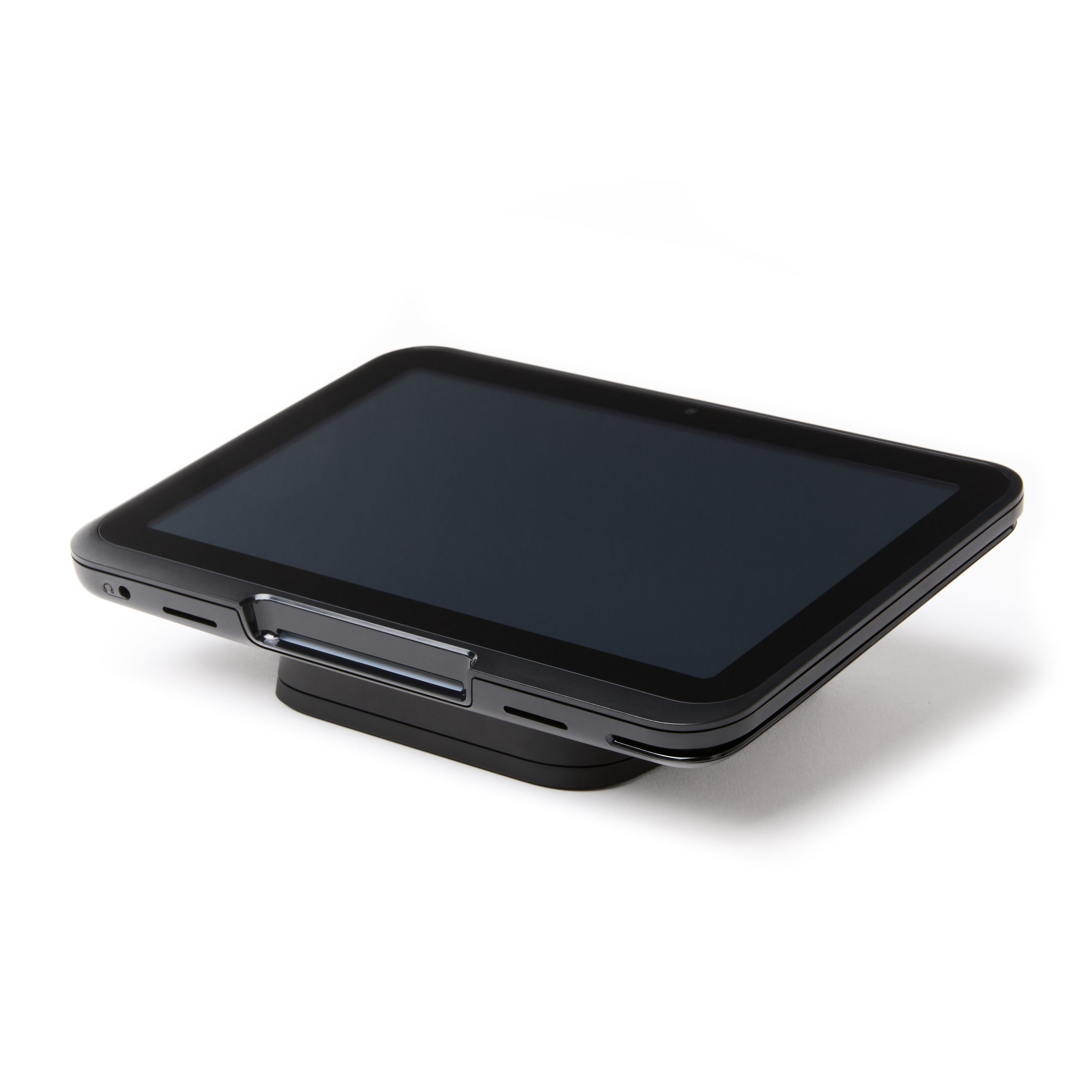
Say hello to your Customer Display
Lightspeed’s Customer Display is built to keep lines moving and orders accurate, even during your busiest shift.
- Simplify your counter. Accept payments and display order details on a single device.
- Reliable, even at peak hours. Wired Ethernet connectivity keeps payments fast and stable.
- Built to be seen. An 8″ touchscreen large enough for guests to read and confirm from across the counter.
Setting up your Customer Display
Follow these instructions to set up your Customer Display, connect it to your POS, and start taking payments.
Contact payments.support.documents@lightspeedhq.com if you have additional questions.

Order Display
Guests see their order before they pay, so you can catch mistakes before they leave the counter.

Branded Screens
Elevate your counter by add your logo and brand colors on the screen.
Contact payments.support.documents@lightspeedhq.com to enable branded screens.
What is the Customer Display?
The Customer Display is a countertop payment terminal with an 8″ customer-facing touchscreen. It lets guests review their order and complete payment on the same device.
Who is the Customer Display designed for?
It’s designed for restaurants that take a high volume of payments at the counter, including quick service restaurants, cafés, and bars.
What comes with my Customer Display?
Your package includes the Customer Display terminal, countertop stand, USB-C cable and power adapter.
Do I need Ethernet to use the Customer Display?
No. The Customer Display supports Wi-Fi, but we recommend wired Ethernet for the most stable connection, especially during busy periods.
How do I set up my Customer Display?
Follow the setup instructions to connect the device to your POS and start taking payments. For help with setup contact payments.support.documents@lightspeedhq.com.
How do I turn on Order Display?
Order Display should be available once your payment terminal is connected to your POS.
How do I add my branding?
Email payments.documents.retail@lightspeedhq.com to request Branded Screens. Our team will help apply your logo and brand colors.
Why do I need to contact support to set up the additional features?
Order Display and Branded Screens are still being tested as part of the beta. This requires our team to enable the features for participating merchants. Your experience will help us refine how these features work before a broader release.
How can I share feedback during the beta?
You can respond to our email and in-product surveys, or use the live feedback link at any time.