Bluetooth Thermometer for Pulse Tasks Guide
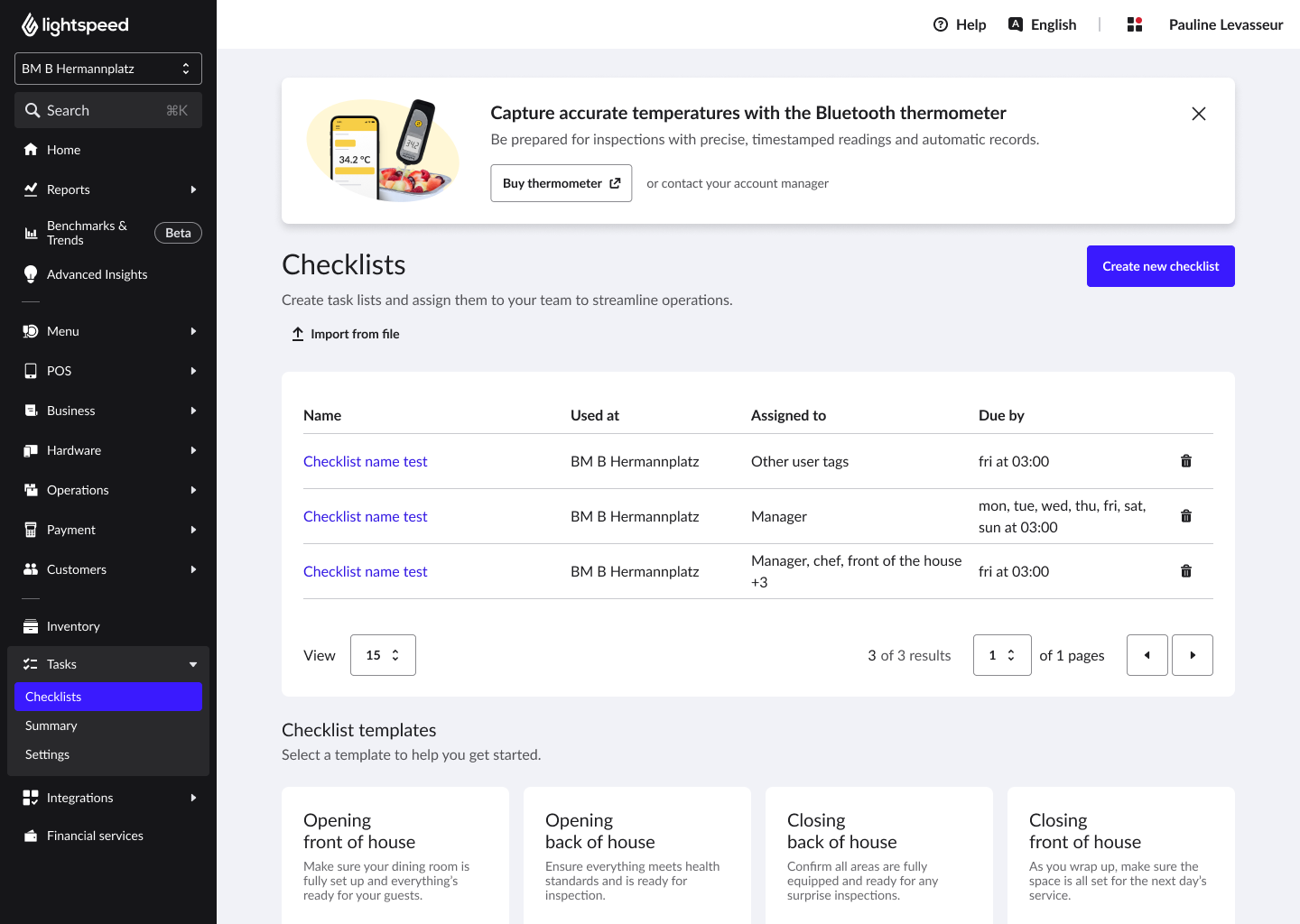
On any Pulse (mobile) checklist that includes at least one temperature task, staff will see an option to connect a Bluetooth thermometer.
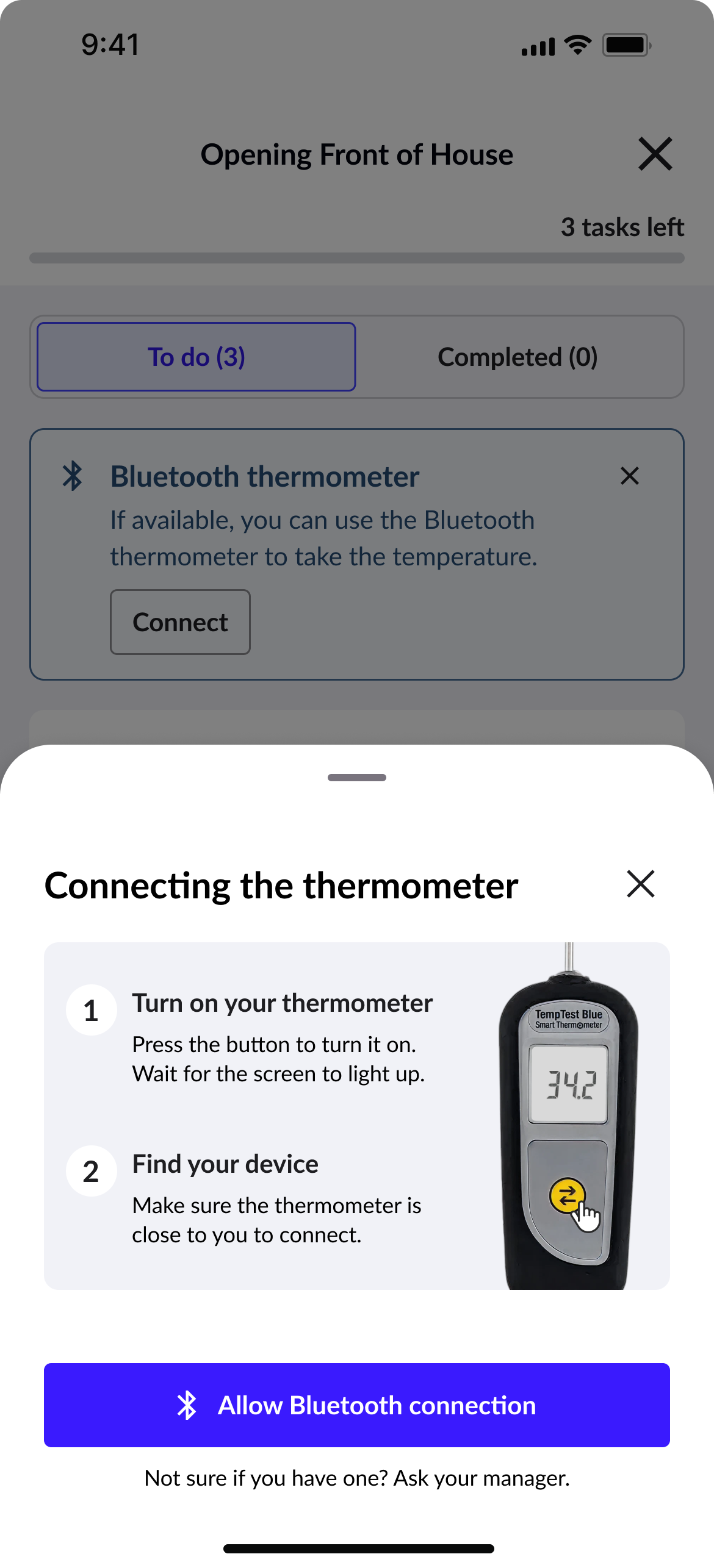
🌡️ Connect the thermometer:
- Tap Connect (from the banner at the top of the checklist, or from a temperature task).
- Allow Bluetooth access if prompted (one time).
- Turn on the thermometer and tap Find thermometer.
- Select the correct device (the device ID matches the number on the back of the thermometer).
- Done. The thermometer stays connected for the session.
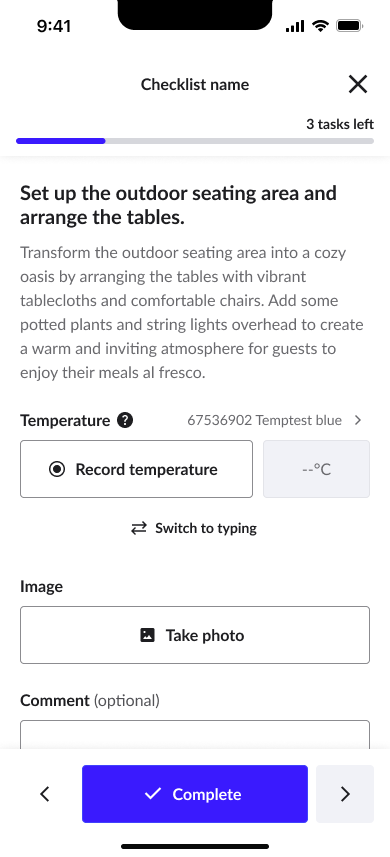
🌡️ Record a temperature:
- Open a temperature task.
- Tap Record temperature in the app, or press the yellow button on the thermometer.
- The reading appears automatically.
- If the reading is outside the expected range set by the manager, a warning is shown.